
Get Linux Foundation CKA Exam Practice Questions - Real and Updated
Linux Foundation Certified Kubernetes Administrator Exam Dumps
This Bundle Pack includes Following 3 Formats
Test software
Practice Test
Answers (PDF)
CKA Desktop Practice
Test Software
Total Questions : 83

CKA Questions & Answers
(PDF)
Total Questions : 83
CKA Web Based Self Assessment Practice Test


Following are some CKA Exam Questions for Review


SIMULATION
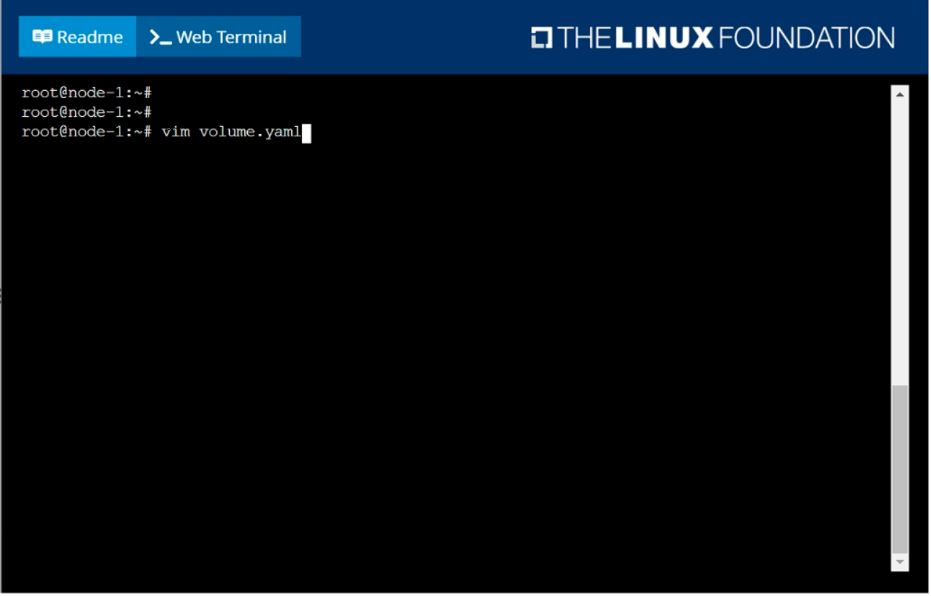
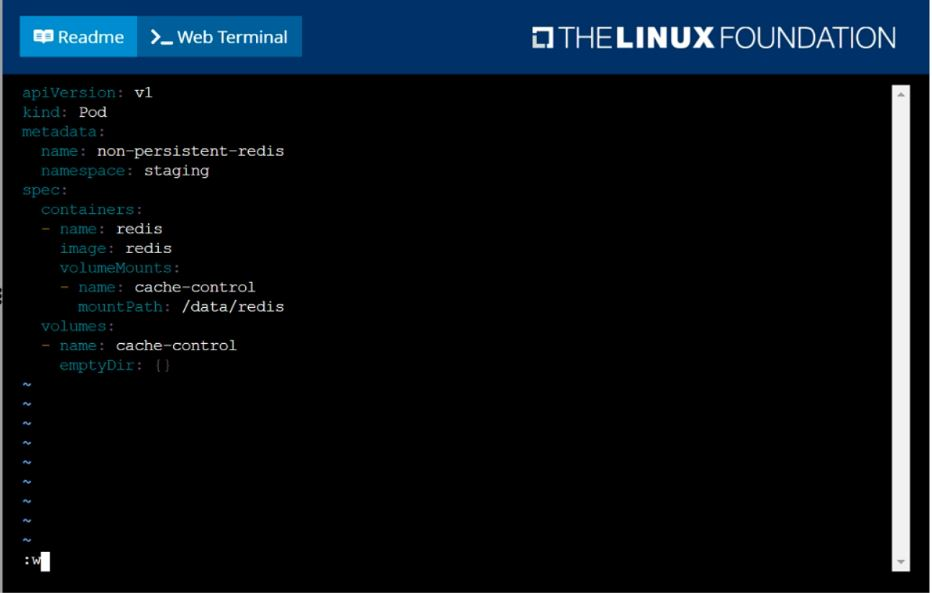
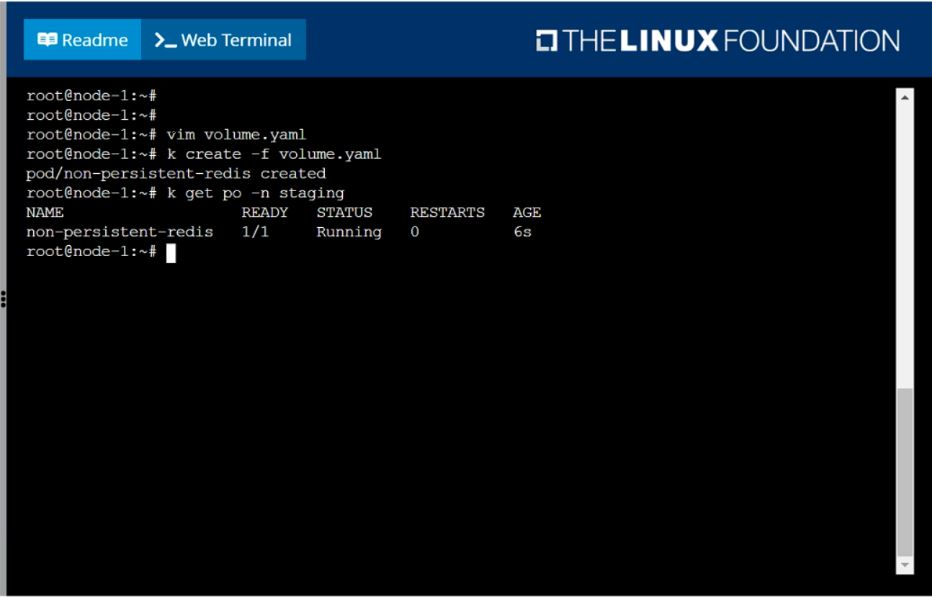
Create a pod as follows:
Name: non-persistent-redis
container Image: redis
Volume with name: cache-control
Mount path: /data/redis
The pod should launch in the staging namespace and the volume must not be persistent.
SIMULATION
Score: 4%
Task
Check to see how many nodes are ready schedulable (not including nodes tainted NoSchedule ) and write the number to /opt/KUSC00402/kusc00402.txt.
SIMULATION
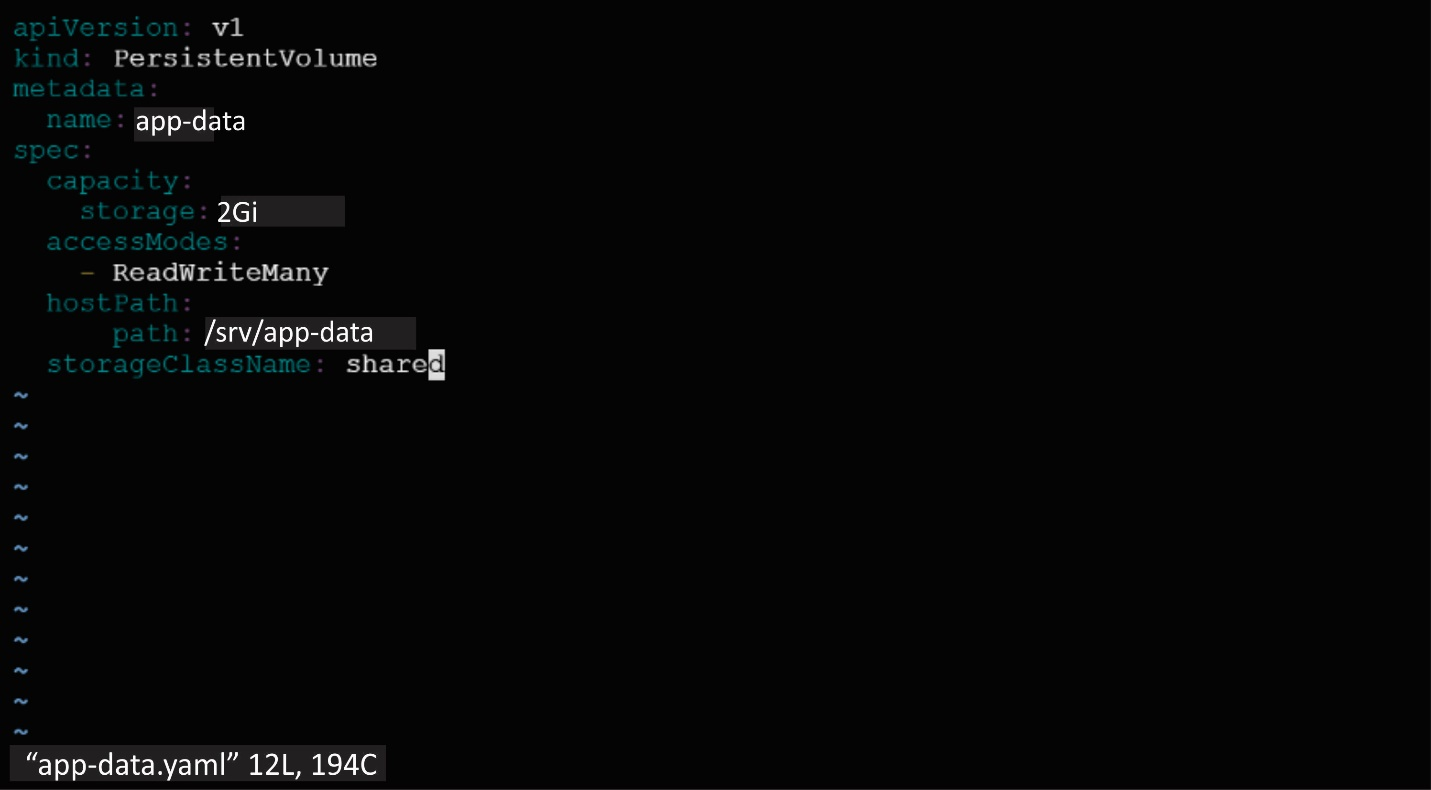
Create a persistent volume with name app-data, of capacity 2Gi and access mode ReadWriteMany. The type of volume is hostPath and its location is /srv/app-data.




SIMULATION
Task
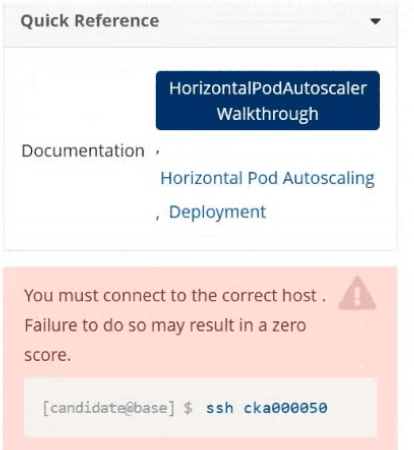
Create a new HorizontalPodAutoscaler (HPA ) named apache-server in the autoscale
namespace. This HPA must target the existing Deployment called apache-server in the
autoscale namespace.
Set the HPA to aim for 50% CPU usage per Pod . Configure it to have at least 1 Pod and no more than 4 Pods . Also, set the downscale stabilization window to 30 seconds.
SIMULATION
You must connect to the correct host.
Failure to do so may result in a zero score.
[candidate@base] $ ssh Cka000037
Context
A legacy app needs to be integrated into the Kubernetes built-in logging architecture (i.e.
kubectl logs). Adding a streaming co-located container is a good and common way to
accomplish this requirement.
Task
Update the existing Deployment synergy-leverager, adding a co-located container named sidecar using the busybox:stable image to the existing Pod . The new co-located container has to run the following command:
/bin/sh -c "tail -n+1 -f /var/log/syne
rgy-leverager.log"
Use a Volume mounted at /var/log to make the log file synergy-leverager.log available to the co-
located container .
Do not modify the specification of the existing container other than adding the required volume mount .
Failure to do so may result in a reduced score.
Unlock All Features of Linux Foundation CKA Dumps Software

Types you want

pass percentage

(Hours: Minutes)

Practice test with
limited questions

Support


